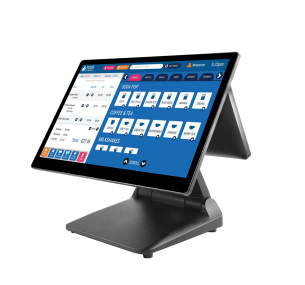
Keeps selling offline
Cash sales complete without internet. Sales, receipts and E-VAT stamps sync when the connection returns, and nothing is lost in a power cut.
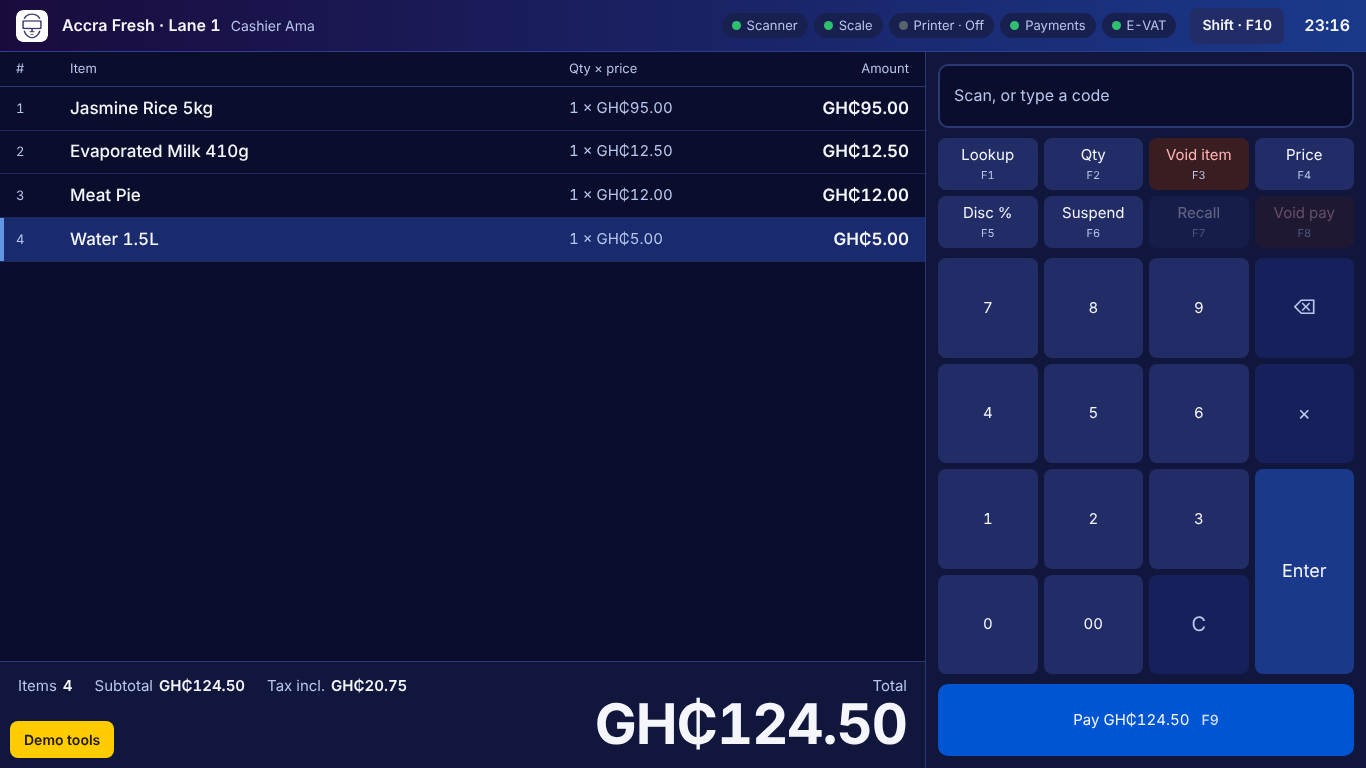
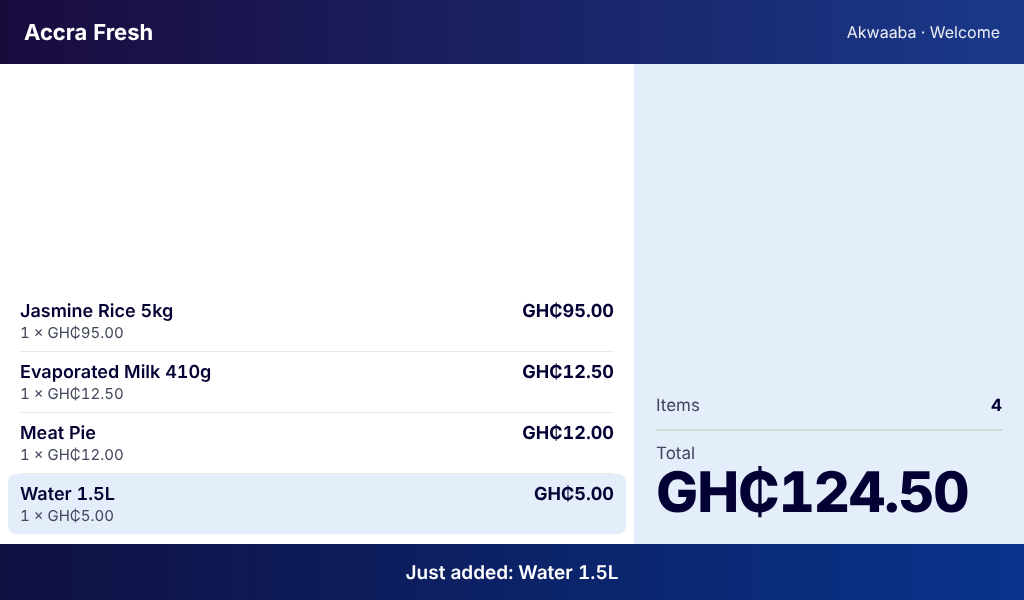
Made for high-volume supermarkets, minimarts and pharmacies, with the payment methods and tax rules of Ghana built in.
Cash sales complete without internet. Sales, receipts and E-VAT stamps sync when the connection returns, and nothing is lost in a power cut.
MTN, Telecel and AT Money prompts on the customer’s phone, card terminals, split payments, and payments taken on a standalone terminal.
VAT 15%, NHIL 2.5% and GETFund 2.5% worked out on every line, stamped receipts with QR code, and credit notes for refunds.
Find the receipt, return whole or part lines, add a restocking fee, pay back to MoMo, card or cash. A supervisor PIN is always required.
Products, barcodes, prices, cost and margin, stock counts and write-offs, categories and staff, with every change audited.
Upload your logo and set your name, address and TIN. They print on receipts and on A4 / PDF invoices and Z reports.
Opening float, cash drops, blind count at close, X and Z reports with tax, payments and exceptions, and variance sign-off.
Encrypted database protected by Windows, salted PIN hashes, badge sign-in, auto screen lock and a tamper-evident audit log.
No special drivers. If a device drops out mid-sale, the till keeps the sale and reconnects on its own.
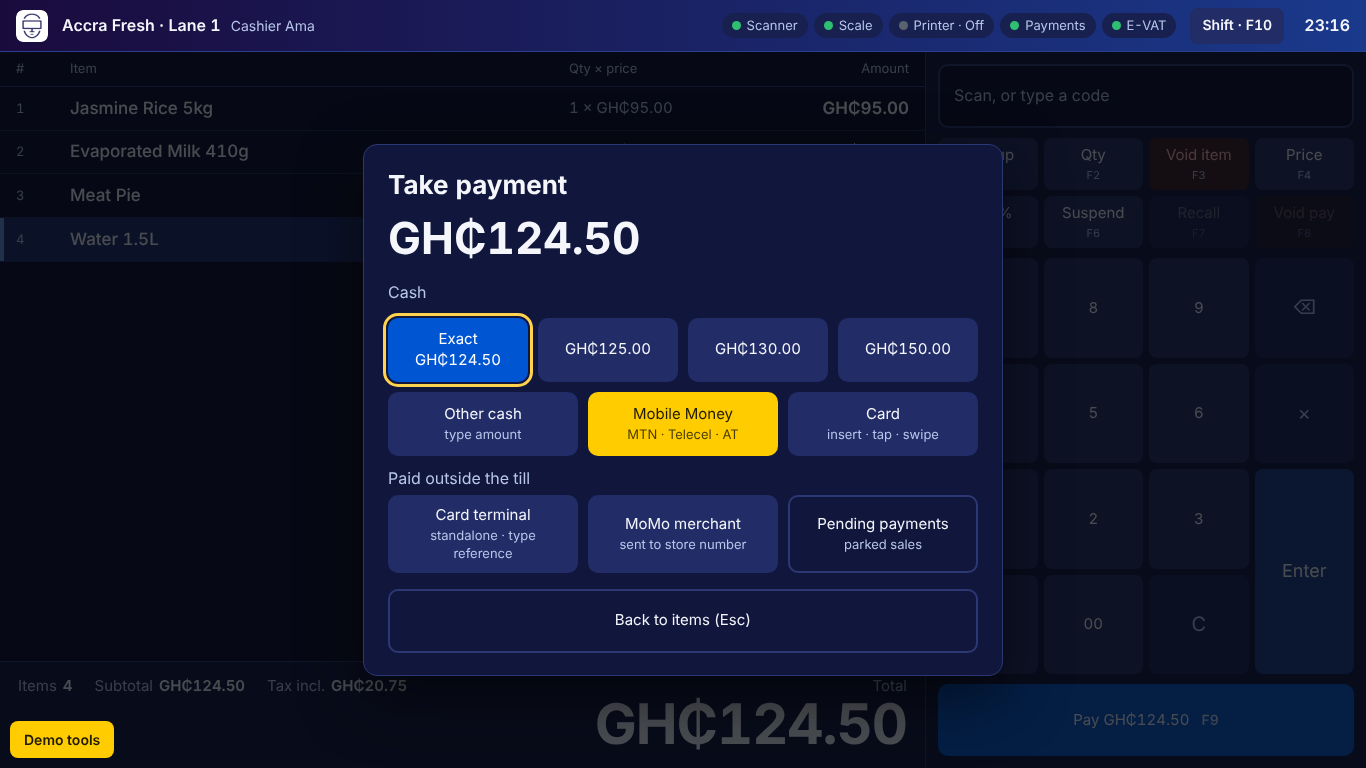
Run the Windows installer. It takes about five minutes and starts with sample products in demo mode.
In Back office, add your logo, store details, staff, PINs and products with prices and barcodes.
Plug in the scanner, printer, drawer and scale. The status bar turns green when each one is ready.
Enter your licence key online, or an offline key for stores without internet, and open the first shift.
Install it, sign in with cashier 101 / PIN 2580, and try a sale in demo mode. Your data stays on the till, encrypted.
If Windows shows “Windows protected your PC”, click More info → Run anyway. Training and live use need a licence: call +233 53 050 6573.